Accessibility in Healthcare: Going Beyond WCAG Compliance
Mr. Ortiz, featured in 15+ major media publications including Forbes, Wired, Yahoo Finance, AP and Telemundo, brings 25+ years of experience driving product performance and revenue growth. He has managed 172 projects serving 1.52M happy customers, earned a place on Top 100 Magazine’s Top 100 Innovators in US list, and owns one US utility patent with a CIP. His healthcare client record spans a national Medicare Advantage health system, a global pharmaceutical company, a federal healthcare agency program and digital health startups.
That experience informs a clear principle: healthcare accessibility requires more than passing a technical checklist. WCAG conformance is essential, but a digital health product must also help people understand information, complete important tasks and access support when an interface does not work for them.
About: Accessibility as a healthcare product requirement
Healthcare interfaces serve people with different abilities, devices, levels of digital confidence and immediate circumstances. A patient may be navigating a portal while tired, stressed, recovering from an injury or trying to understand unfamiliar terminology. A technically conformant screen can still create friction if the next step is unclear, the form error is hard to locate or a required action depends on fine motor control.
WCAG 2.2 provides an important technical foundation for web content. Its criteria address a range of access needs and technologies, but W3C notes that the guidelines do not meet every need or combination of needs. W3C also recommends involving people with disabilities in evaluation alongside conformance testing. WCAG 2.2 and W3C guidance on involving users make the distinction clear: standards and user experience evidence serve complementary purposes.
For healthcare teams, accessibility belongs in product requirements, research, content design, development, quality assurance and ongoing maintenance. It is not a final visual review.
Why WCAG compliance is only the starting point
Health literacy shapes task completion
Health information often contains unfamiliar terms, multiple steps and decisions that matter to the person reading it. People need to find, understand and act on relevant information, not simply see it on a screen. Clear headings, plain language, specific instructions and visible next steps reduce avoidable confusion.
The Agency for Healthcare Research and Quality’s Health Literacy Universal Precautions Toolkit recommends approaches that make healthcare communication and navigation easier for people across health literacy levels. That principle applies to digital products as much as it does to other forms of healthcare communication. AHRQ Health Literacy Universal Precautions Toolkit
Age-related changes and temporary barriers affect use
Age can bring changes in vision, hearing, dexterity, memory or concentration. These needs overlap with accessibility requirements, and they vary from person to person. W3C’s guidance on older users and web accessibility outlines how age-related changes can affect access to digital services.
Temporary circumstances matter too. A person may have limited use of one hand, reduced vision in a particular setting or difficulty concentrating while managing a health concern. Flexible text sizing, straightforward navigation, keyboard access and clear recovery from errors can support more people in more situations.
Assistive technology needs to work across real journeys
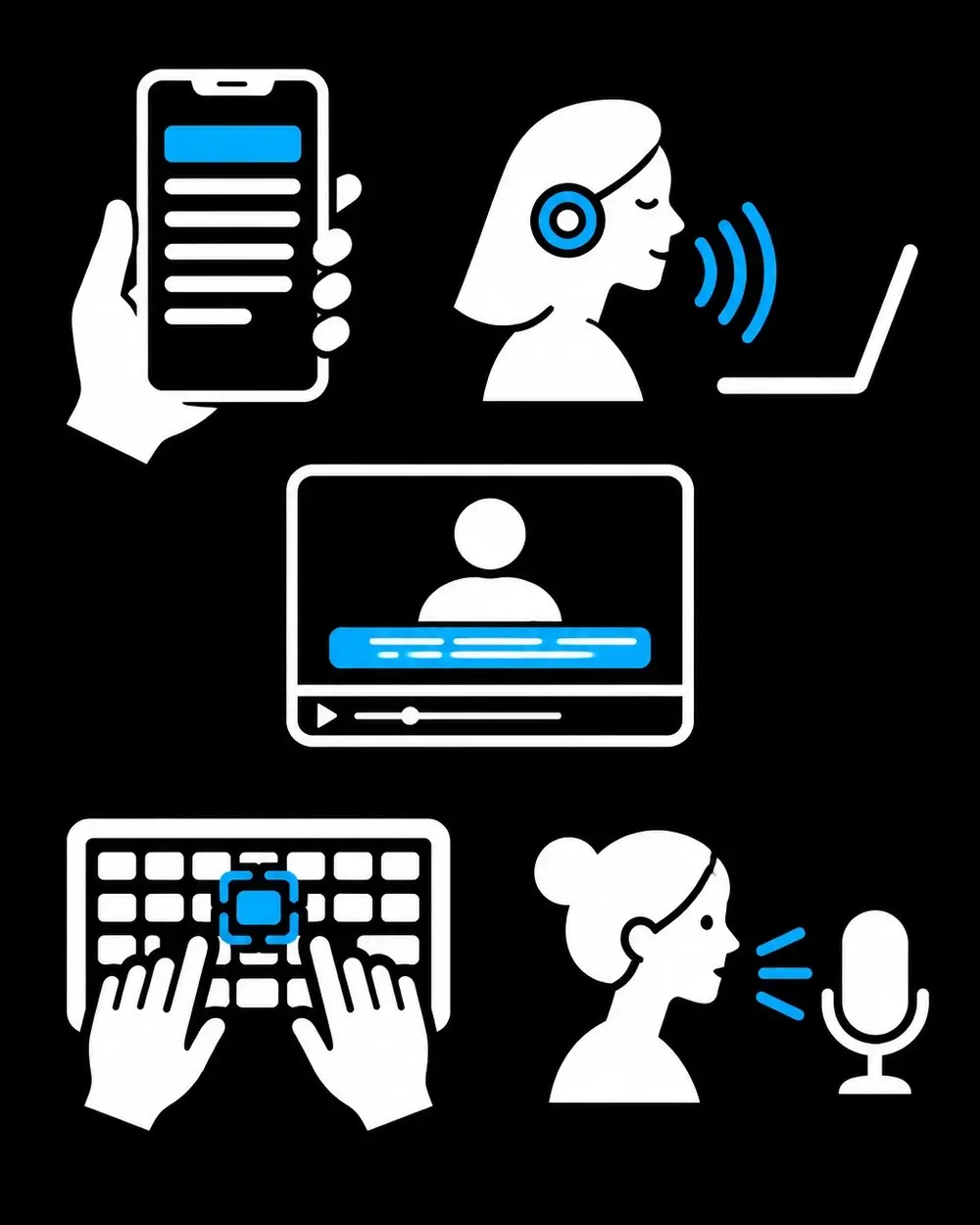
Screen readers, magnification, keyboard navigation, voice control, captions, switch devices and built-in mobile accessibility features are part of how people use digital services. Support for one technology does not guarantee support for all. Nor does a successful test on one screen prove that a complete journey works.
Healthcare teams should evaluate complete tasks: registration, authentication, appointment booking, form completion, telehealth, portal messaging and access to digital documents. A user who can open a page but cannot complete the required steps still faces an access barrier.
Facts: A practical audit approach for health products

A healthcare UX audit needs to examine both technical conformance and real-world usability. A useful review follows a repeatable sequence:
- Map the whole service. Include websites, mobile apps, authentication, forms, PDFs, video visits, messages, notifications and support routes. Third-party tools and handoffs belong in the review because users experience the service as a connected journey.
- Identify critical tasks and barriers. Record where a person might be blocked, misunderstand an instruction, lose entered information or fail to recover from an error. Findings should describe the affected task, the user impact and the available alternative, not just the screen element.
- Test against WCAG 2.2. Combine automated checks with manual review. Manual evaluation should cover keyboard operation, focus visibility, headings and labels, contrast, zoom and reflow, form instructions, error messages, authentication and mobile behavior. Automated tools help identify some issues; they do not replace a complete evaluation.
- Test with assistive technology. Select representative technologies and platforms based on the product’s users and context. Then complete meaningful workflows using those tools. The review should record whether controls are understandable, focus moves predictably and status or error information is available.
- Include people with lived experience. Usability research with disabled and older participants can reveal barriers that a checklist or code review will not. Participants should attempt realistic tasks, while researchers observe where instructions, terminology, interaction patterns or service handoffs create difficulty.
- Review comprehension and recovery. Check whether people can locate key information, understand what action is required and determine what happens next. A clear path to human assistance or another accessible route matters when a digital channel fails.
For medical devices and other clinically consequential products, human-factors work adds another layer of rigor. The FDA’s human factors and usability engineering guidance focuses on designing and evaluating devices around intended users, uses and use environments. Its relevance extends beyond visual accessibility: teams need to understand how people interact with a product and where use errors may arise.
Audit findings become more actionable when they distinguish a WCAG defect from a comprehension barrier, an assistive-technology issue or a service-design problem. Prioritization can then reflect task importance, user impact, reach and available alternatives. WCAG conformance remains a benchmark, not a guarantee that every person can complete every healthcare task.
Skills: From findings to product decisions
Accessibility findings have the most value when they influence product decisions. A UX audit can inform interface updates, content changes, research priorities and release criteria. Product teams can build accessibility checks into design systems and acceptance criteria, then re-test after significant changes to interfaces, content or vendor tools.
This work connects to ADA compliant website design, UX/UI design services and mobile app design services, but the label alone does not establish that a service is usable or legally compliant. Regulatory obligations depend on the product and context; accessibility evaluation is not a legal determination. This article is educational and does not constitute legal or medical advice.
Mr. Ortiz’s stated capability ratings are UI/UX design 95%, product management 95%, business acumen 90% and ADA compliance 90%. He combines strategic direction with hands-on product evaluation. That combination supports digital product strategy grounded in user needs, technical findings and business priorities. Whether an organization works with an internal lead, a product design consultant or a UI UX agency, accessibility should be integrated into design and delivery rather than assigned only to a final review.
Moving beyond a checklist
A strong healthcare accessibility program uses WCAG 2.2 as a technical baseline and adds research, assistive-technology testing, health-literacy review and clear service alternatives. It evaluates the complete experience: whether people can reach the right information, understand the next step, complete important tasks and get support when barriers arise.
The outcome is a more resilient product experience for patients, caregivers and healthcare teams. Organizations can get help with an accessibility audit, user research, product design and remediation planning tailored to their digital health services.
References
• W3C: Web Content Accessibility Guidelines (WCAG) 2.2
• W3C: Involving Users in Evaluating Web Accessibility
• W3C: Older Users and Web Accessibility
• AHRQ: Health Literacy Universal Precautions Toolkit • FDA: Applying Human Factors and Usability Engineering to Medical Devices


