Pharma Digital UX: Designing for HCP and Patient Journeys
About
Featured in 15+ major media publications, including Forbes, Wired, Yahoo Finance, AP and Telemundo, Mr. Ortiz brings 25+ years of experience to product and digital experience design. His record includes 172 managed projects and 1.52M happy customers. Top 100 Magazine named him to its Top 100 Innovators in US list. He owns one US utility patent with a CIP and has worked with Medicare Advantage providers, a global pharmaceutical company, a federal healthcare program and digital health startups.
Pharma digital products serve two audiences with different needs. Healthcare professionals (HCPs) need clear information and efficient workflows. Patients need understandable guidance, practical support and a way to get help when the process becomes difficult. A single generic journey cannot serve both well.
Strong pharma UX separates those jobs to be done while maintaining consistent governance for content, accessibility and privacy. The goal is not simply to increase clicks. It is to help each audience complete appropriate tasks with clarity and confidence.
Facts
HCP tools and patient support programs (PSPs) may share a brand or platform, but their primary journeys differ:
- HCPs evaluate and act. They look for relevant, approved information, assess treatment details and complete workflow tasks.
- Patients discover and navigate. They seek to understand a program, determine what to do next, access support and manage practical steps.
- Both audiences need accessible, trustworthy experiences. The interface must work for people using different devices, assistive technologies and levels of digital confidence.
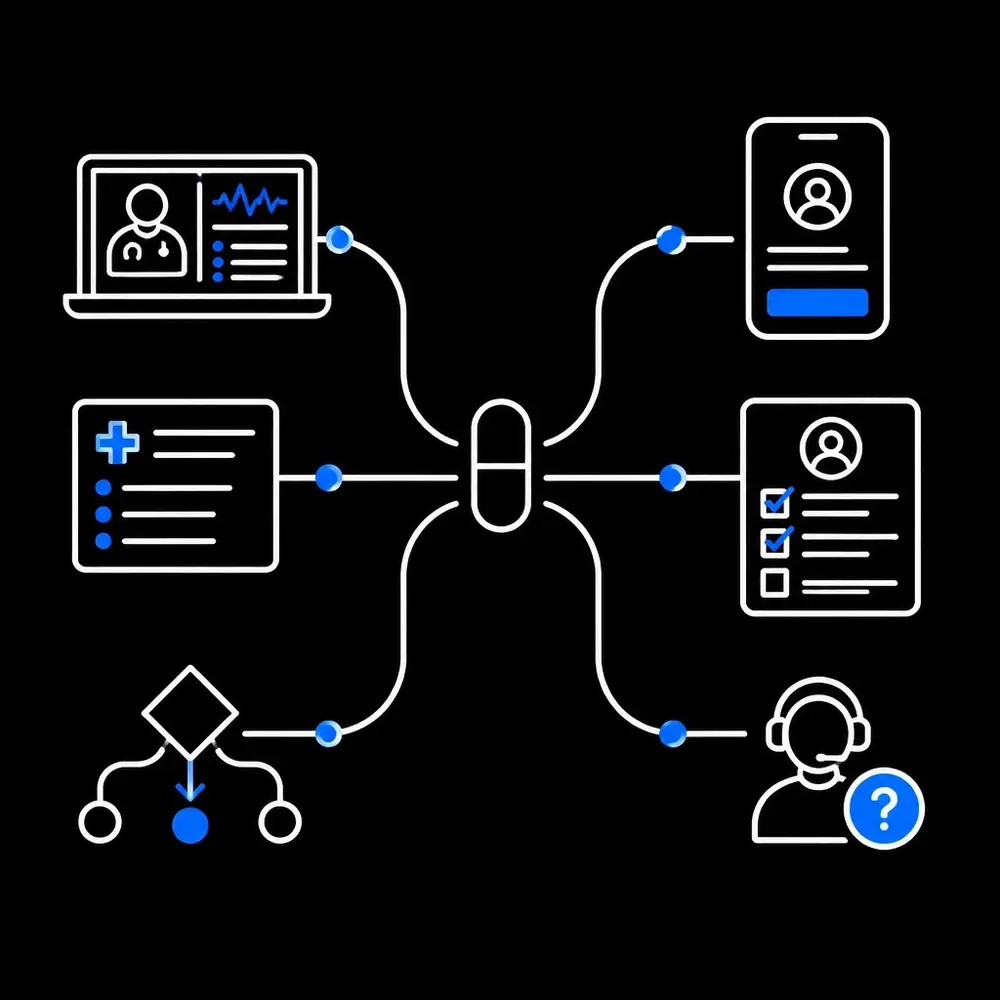
Design the HCP journey around the task
An HCP tool should respect clinical workflows rather than add another disconnected destination. Navigation, search and information hierarchy should help users get to the relevant material without unnecessary steps.
Content should make key information easy to locate and understand. Approved indication, population, dosing, contraindications, warnings, evidence and limitations should be organized for scanning, not buried behind interaction-heavy design. Tools such as forms, calculators or downloadable materials need a defined purpose and appropriate review.
The experience should also account for context: specialty, care setting, device and task. A clinician looking for a specific reference has a different need from one reviewing a resource to share in a patient conversation. A focused UX audit can identify where navigation, terminology or workflow handoffs slow users down.
Design the patient journey around support
A PSP should explain what the program offers, who may be eligible and what happens next. Enrollment should request information for a clear reason and avoid treating every patient as if they already understand insurance terms, authorization processes or pharmacy logistics.
The journey should support the steps a patient may need to complete, such as enrollment, benefits review, prescription coordination, training or follow-up. Save-and-resume functionality, plain language and clear status updates can reduce uncertainty. Digital options should sit alongside an understandable route to human support.
Support also needs to reflect changing circumstances. Patients may need to pause, restart or change how they use a program. A useful design makes the next available step clear without assuming that everyone follows one linear path.
Govern content as part of the experience
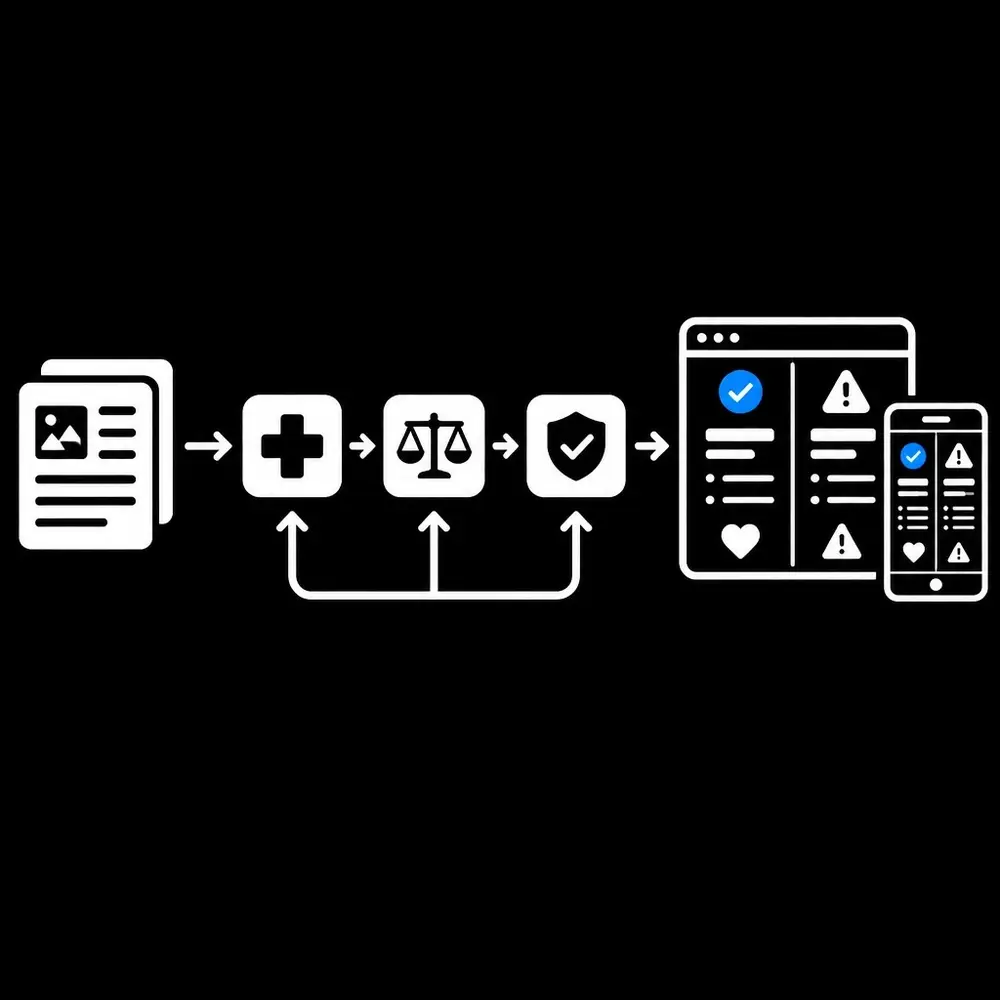
In pharma, content governance is a UX requirement. Each screen, email, patient resource, HCP presentation and other communication should have a defined audience, purpose, approval status and version history.
FDA materials explain that prescription-drug promotion must not be false or misleading and must present material facts and fair balance. That makes interface decisions consequential: benefit and risk information should remain clear and usable, rather than being obscured through tiny text, low-visibility interactions or a confusing content hierarchy. Teams can review relevant FDA OPDP FAQs as part of regulatory content planning.
Medical, legal and regulatory review should connect to the product workflow, not happen only after interface decisions are complete. The content model, approval process and release controls should work together so that approved information reaches the appropriate audience in the intended context.
This article is educational and does not provide legal or medical advice. Regulatory obligations depend on the product, audience and communication. Teams should consult qualified regulatory and legal professionals for decisions about specific materials.
Make accessibility part of the definition of done
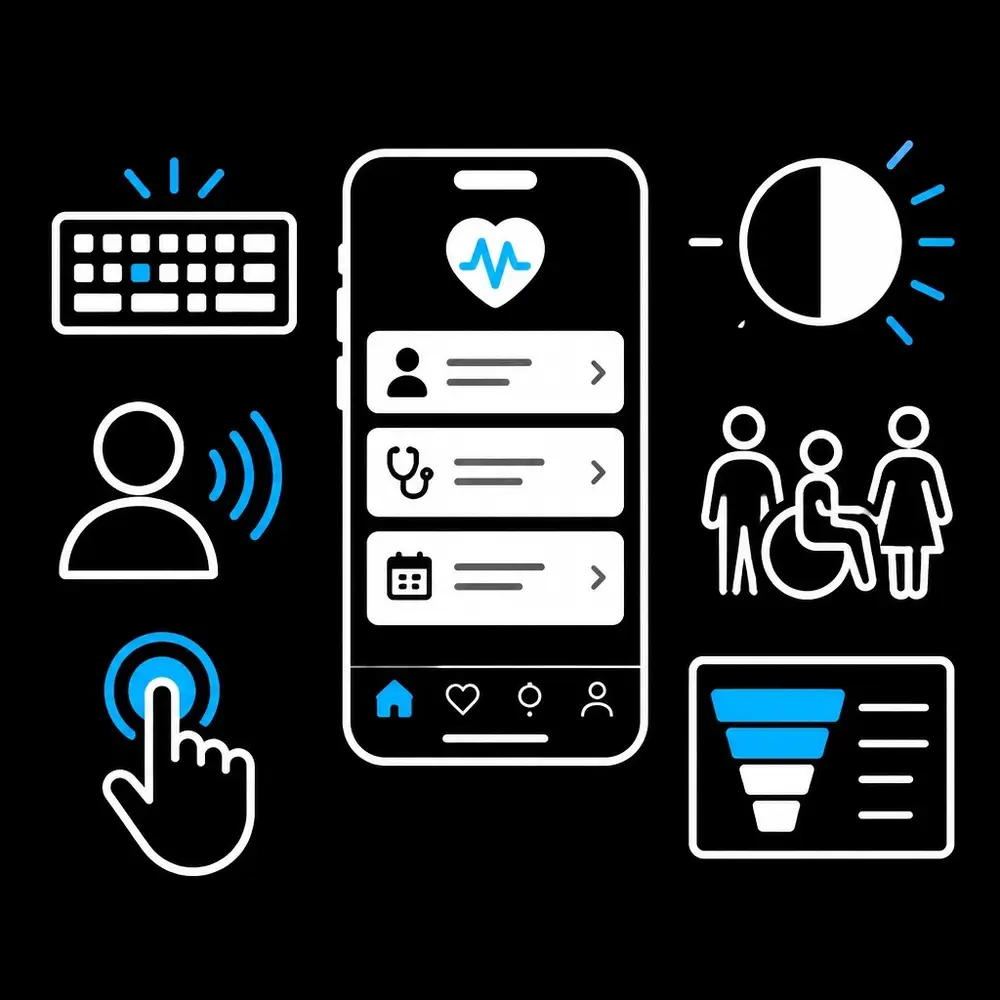
An ada compliant website design is not a final-stage visual adjustment. Accessibility affects structure, interaction, content and testing throughout product development. The WCAG 2.2 guidelines provide a recognized framework for accessible web content, including requirements that affect keyboard use, focus, form errors and authentication.
For HCP tools, teams should test keyboard navigation, screen-reader support, readable data tables, visible focus, zoom and alternatives to color-only cues. For patient experiences, they should also consider plain language, touch target size, captions, language access and practical ways to recover from errors. Testing with people who use assistive technology helps surface barriers that automated checks alone do not catch.
Privacy belongs in the same design conversation. Teams should identify the data involved, who receives it and which privacy obligations apply to that specific flow. HIPAA does not automatically govern every consumer health app. HHS explains the distinction in its guidance on health apps and APIs. Consent language, permissions and data-sharing explanations should accurately reflect the product’s actual arrangements.
Measure useful engagement, not activity alone
Raw visits and clicks show activity; they do not establish that a user completed a task or understood the information. Measurement should reflect each journey’s intended outcomes.
For HCP tools, useful measures include task completion, time to find relevant content, search success, errors, abandonment and feedback on usability. For PSPs, measures can include enrollment completion, completion of key steps, support requests and how quickly a question is resolved. Accessibility testing and user feedback should be considered alongside behavioral analytics.
These measures are product benchmarks, not guarantees of business or clinical results. Teams should define them before launch, review them by audience and channel, and look for friction that average results can conceal. Data collection should be proportionate to the question being answered and consistent with applicable privacy requirements.
Skills
Mr. Ortiz’s experience combines product strategy with hands-on execution. His stated skill ratings include:
- UI/UX design: 95%
- Product management: 95%
- Business acumen: 90%
- ADA compliance: 90%
His work spans research, prototyping, product improvement, data analysis, competitive analysis and process improvement. For pharma teams, that breadth supports a coordinated approach to digital product strategy: understand the audience, map the work, design the interaction and measure what happens.
A product design consultant or ui ux agency can contribute across that process, from discovery and prototyping through a ux audit and iteration. The right scope depends on the product’s audiences, workflows, content governance and technical environment. Well-defined ux ui design services and mobile app design services should address those product realities, not just the appearance of an interface.
The takeaway
Effective pharma digital UX gives HCPs a focused path to relevant, governed information and gives patients a clear path to practical support. It treats accessibility, privacy and compliance as design inputs, then measures whether people can complete the tasks that matter.
Healthcare teams can get help with journey research, ux audit planning, accessibility improvements and digital product strategy. The starting point is an open assessment of the audience, the task and the barriers within the current experience.
References
• W3C: Web Content Accessibility Guidelines (WCAG) 2.2 • FDA: OPDP Frequently Asked Questions


